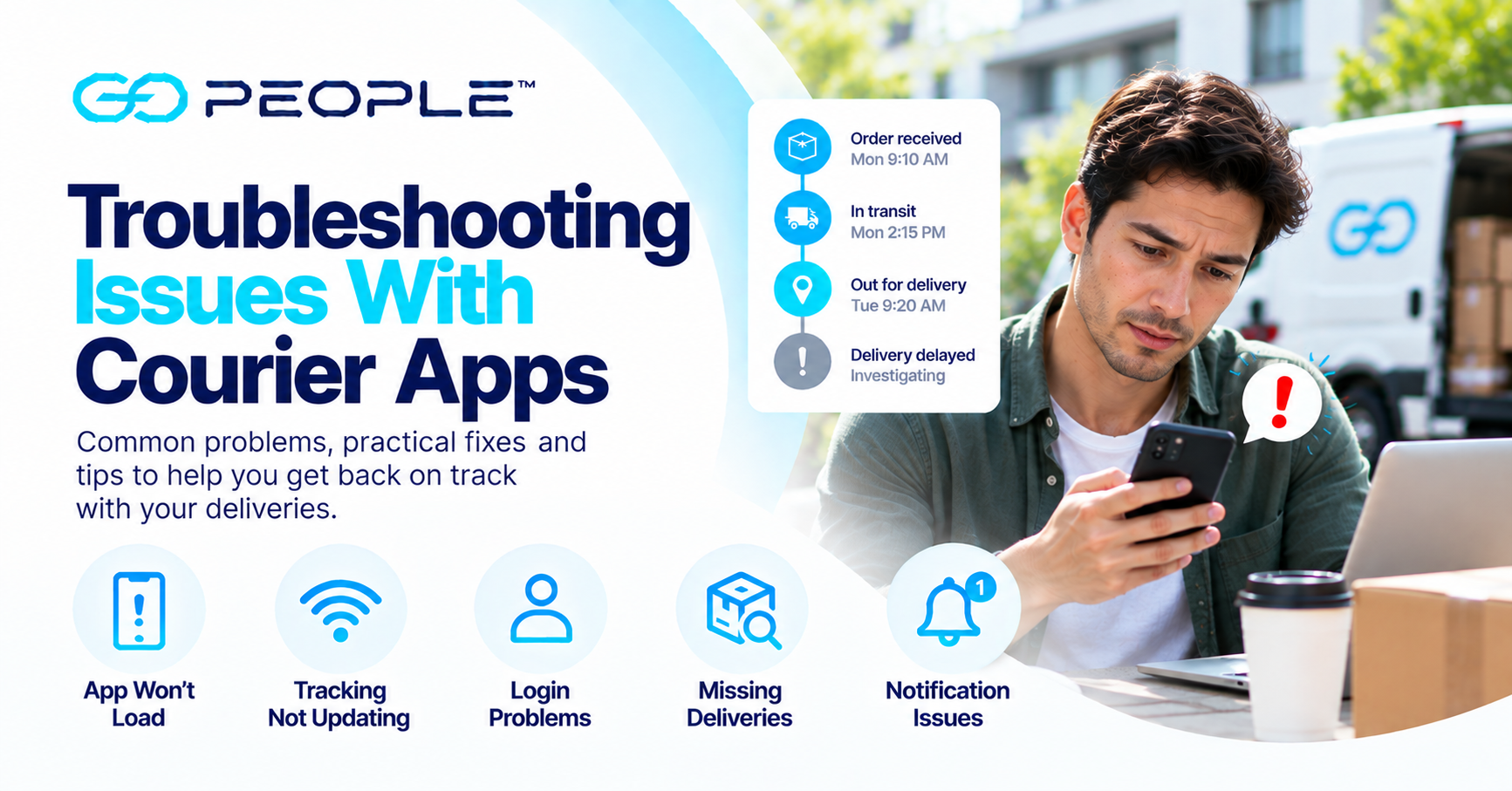
Courier apps and delivery platforms can make it easier to book deliveries, monitor progress and access delivery information.
But what happens when the app isn’t working properly?
Perhaps tracking won’t update. The app won’t load. A delivery appears to be stuck on the same status. Or the information you’re seeing doesn’t seem to match what’s actually happening.
The important thing is to determine whether you’re dealing with:
an app problem, a tracking problem or an actual delivery problem.
They’re not always the same thing.
Here’s how to troubleshoot common courier app issues.
1. The Courier App Won’t Load
If an app won’t open or remains stuck on a loading screen, start with the basics.
Try:
- checking your internet connection;
- closing and reopening the app;
- switching between Wi-Fi and mobile data;
- checking whether an app update is available; and
- restarting your device if necessary.
If the service also provides a website, try accessing your delivery information there.
This can help establish whether the problem is with the app itself or the underlying delivery service.
2. Tracking Isn’t Updating
A tracking status that hasn’t changed doesn’t necessarily mean the courier app is broken.
There may simply be a period between recorded delivery events.
For example, a parcel may be travelling between facilities or progressing through a delivery stage without generating a new customer-facing update.
Before troubleshooting the app, check:
- when the last tracking event occurred;
- what the latest status says;
- whether the delivery is actually overdue; and
- whether the expected delivery timeframe has passed.
If the delivery remains within its expected timeframe, there may be nothing wrong.
For more detail, see How to Track Your Delivery in Real Time.
3. The App Shows Different Information From the Website
If a courier provides both an app and web tracking, occasionally the information displayed may appear different.
First, refresh both.
Then confirm that you’re looking at the same:
- tracking number;
- delivery;
- account; and
- latest event.
If the website contains more recent information, use the latest available delivery record rather than assuming the parcel itself has a problem.
If you’re expecting a GoPeople delivery, you can check the GoPeople tracking page.
4. The App Keeps Crashing
An app that repeatedly closes or freezes is more likely to indicate a technical problem.
Try:
- closing the app completely;
- reopening it;
- checking for an update;
- restarting your device; and
- using the web version of the service where available.
Be cautious about deleting app data or reinstalling an app unless necessary, particularly if you don’t have your login details or delivery references available.
If the problem continues, report it through the app provider’s appropriate support channel.
5. You Can’t Log In
First, confirm that you’re using the correct email address, phone number or account details.
If you’ve forgotten your password, use the official password-reset process rather than repeatedly attempting different passwords.
Also check whether you’re trying to access the correct platform.
Some delivery businesses may provide different systems for:
- customers or senders;
- delivery recipients; and
- drivers or couriers.
Make sure you’re using the platform intended for you.
6. Your Delivery Has Disappeared From the App
A delivery disappearing from an app doesn’t automatically mean the parcel itself has disappeared.
First, check:
- whether you’re logged into the correct account;
- whether a filter is hiding completed or older deliveries;
- whether the tracking number still works through web tracking; and
- whether the delivery has moved into a completed or archived section.
If you still can’t find it, use the tracking reference to contact the appropriate support team.
Keep the tracking number somewhere outside the app whenever possible. It can be useful if you’re unable to access your account later.
7. The App Says “Delivered”, but You Don’t Have the Parcel
This is no longer primarily an app troubleshooting problem.
The app may simply be displaying the delivery status recorded in the delivery system.
Check the available delivery information, including:
- delivery time;
- proof of delivery where available;
- delivery notes;
- the delivery address; and
- reasonable locations around the property.
Also check whether another person at the address accepted the parcel.
If you still can’t find it, follow the appropriate missing-delivery process.
Read What to Do When Your Package Goes Missing for a step-by-step guide.
8. The App Says “Out for Delivery” for a Long Time
“Out for delivery” generally indicates that the parcel has entered the delivery stage.
It doesn’t necessarily mean that your address is the driver’s next stop.
Drivers may have multiple deliveries to complete as part of a route.
Continue monitoring the tracking information and compare it with the expected delivery timeframe.
Don’t assume the app has stopped working simply because the status hasn’t changed for a period of time.
If the expected timeframe passes without delivery or a meaningful update, further assistance may be appropriate.
9. A Map or Location Doesn’t Look Right
Be careful when interpreting map information.
A map displayed by a courier or delivery platform shouldn’t automatically be interpreted as the precise physical location of your parcel at every moment.
Different delivery systems provide different levels of location information.
If a map appears unusual, use the recorded delivery status and events as your primary reference.
If the delivery itself appears to be experiencing a genuine problem, contact the appropriate support channel.
10. You’re Not Receiving Delivery Notifications
If you’re expecting notifications but aren’t receiving them, check:
- whether the sender has your correct mobile number or email address;
- notification permissions on your device;
- whether messages have been filtered or blocked; and
- whether the delivery service actually provides that notification for the relevant event.
Don’t rely exclusively on notifications.
If you’re expecting an important delivery, check the tracking information directly.
11. The App Won’t Let You Change the Delivery Address
This may not be a technical problem.
Once a delivery is underway, address changes may be restricted because they can affect routing, delivery requirements and operational processes.
If the app doesn’t offer an address-change option, don’t assume the feature is broken.
Contact the sender or appropriate support team to determine whether a change is possible.
The driver shouldn’t be expected to make an unauthorised address change directly.
12. You Can’t Contact the Delivery Driver Through the App
Not every delivery service provides direct driver communication, and drivers may not be able to respond while driving or completing deliveries.
Start with tracking.
If the delivery genuinely requires assistance, use the appropriate support process rather than repeatedly attempting to contact the driver.
See What to Do When Delivery Drivers Are Unreachable for more.
Is It an App Problem or a Delivery Problem?
This distinction can save a lot of unnecessary troubleshooting.
Probably an App or Device Problem
Examples include:
- app won’t open;
- app repeatedly crashes;
- login screen won’t load;
- buttons aren’t responding; or
- information displays correctly on the website but not in the app.
Try basic technical troubleshooting.
Probably a Tracking Question
Examples include:
- tracking hasn’t recently updated;
- parcel remains “in transit”;
- parcel has been “out for delivery” for several hours; or
- you’re unsure what a status means.
Check the latest event and expected delivery timeframe.
Probably a Delivery Problem
Examples include:
- parcel is significantly overdue;
- delivery attempt was unsuccessful;
- tracking says delivered but the parcel cannot be found;
- delivery appears to have gone to the wrong address; or
- tracking contains an exception requiring action.
In these cases, repeatedly restarting the app won’t solve the underlying problem.
Follow the appropriate delivery support process.
A Quick Courier App Troubleshooting Checklist
When something doesn’t look right, work through these steps:
1. Check your internet connection.
2. Refresh the app.
3. Check for an app update.
4. Try the courier’s website or web tracking.
5. Confirm the correct tracking number.
6. Review the latest tracking event.
7. Check whether the delivery is actually overdue.
8. Determine whether the issue is technical or delivery-related.
9. Contact support if the problem requires assistance.
This approach is usually more useful than repeatedly refreshing an app without knowing what you’re trying to diagnose.
What Businesses Should Look for in Delivery Technology
Courier technology isn’t only important to recipients.
For businesses managing regular deliveries, the delivery platform can affect the efficiency of the entire operation.
Useful capabilities can include:
Easy Delivery Booking
Staff should be able to create deliveries without unnecessary administrative work.
Delivery Tracking
Businesses should have useful visibility into delivery progress.
Customer Notifications
Relevant updates can reduce uncertainty and routine “Where is my order?” enquiries.
Digital Proof of Delivery
Delivery completion information should be accessible when customer service teams need it.
Route Optimisation
For businesses managing multiple deliveries, technology can help organise more efficient delivery routes.
Integrations
Connecting delivery with ecommerce, warehouse or other business systems can reduce repetitive manual data entry.
Read How Technology Is Changing Courier and Delivery Services for a broader look at delivery technology.
GoPeople Delivery Services
GoPeople provides different delivery options for Australian businesses, supported by delivery technology, tracking and digital delivery information.
GoEXPRESS — Next-Day Delivery
For next-day business and ecommerce parcel delivery from customer warehouses in supported locations.
GoBUNDLE — Multi-Drop Delivery
For businesses completing multiple deliveries as part of an optimised delivery run.
GoSAMEDAY — Same-Day Delivery
For business deliveries that need to be completed on the same day.
GoVIP — On-Demand Courier
For urgent and time-sensitive courier requirements.
Businesses can also check GoPeople service availability for their location.
Frequently Asked Questions
Why isn’t my courier app updating?
The app may have a connectivity or technical problem, but a lack of new tracking information can also mean there hasn’t been another recorded delivery event yet. Check the latest event and expected delivery timeframe before assuming the app is malfunctioning.
What should I do if a courier app keeps crashing?
Close and reopen the app, check your internet connection, install available updates and restart your device if necessary. If web tracking is available, use it while the app problem is being resolved.
Why does my parcel still say “in transit”?
“In transit” generally indicates that the parcel is progressing through the delivery network. The status may remain unchanged until another delivery event is recorded.
Why does the courier app say delivered when my package isn’t here?
Check the delivery details, proof of delivery where available, address and reasonable locations around the property. If you still cannot find the parcel, follow the appropriate missing-delivery process.
Can I change my delivery address through a courier app?
That depends on the delivery service and the parcel’s current status. If the app doesn’t provide an address-change option, contact the appropriate sender or support team rather than assuming the app is broken.
Should a courier app show the driver’s exact location?
Not necessarily. Delivery platforms provide different levels of tracking and location information. Use the status and delivery events provided by the relevant service rather than assuming every map represents a driver’s precise live position.
What information should I have before contacting courier support?
Have your tracking number or delivery reference, recipient details and a clear description of the problem ready.
Start With the Delivery Information
When a courier app isn’t behaving as expected, don’t immediately assume that something has happened to your parcel.
First determine what kind of problem you’re dealing with.
Is the app malfunctioning?
Has tracking simply not generated another event?
Or is there evidence of an actual delivery problem?
That distinction tells you what to do next.
Basic troubleshooting can resolve many technical issues. Tracking can answer many delivery-status questions. And when something genuinely requires investigation, the appropriate support process can take over.
The goal isn’t simply to get the app working again.
It’s to understand what’s happening with your delivery.